

Prescriptions
Made Easy

Opening Hours
We have multiple branches across London and Enfield — check your nearest branch for specific opening times.
Book a Consultation
Need advice or treatment? Book a private or NHS consultation with our pharmacy team today.
Same-Day Support
Walk in for quick, professional care — no appointment needed at most branches.
Healthcare Services
We offer a full range of NHS and private services — from prescriptions and health checks to expert-led travel clinics and weight loss support.
How It Works
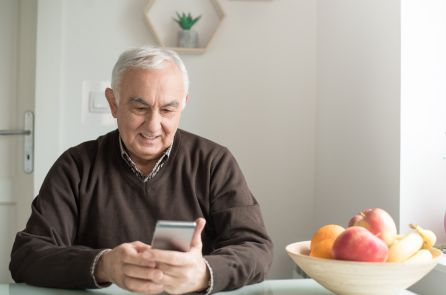
1. Download the NHS App
Install the NHS App on your mobile device to access your prescriptions, appointments, and healthcare services.

2. Nominate Our Pharmacy
Log in and select your preferred pharmacy — choose us to manage your prescriptions and care seamlessly.

2. Order & Collect
Order your repeat prescriptions directly through the app and collect them from your chosen One Pharmacy branch.
Frequently Asked Questions
Find answers to common questions about using the NHS App to manage your prescriptions with One Pharmacy.
Open the NHS App, go to ‘Prescriptions’, then ‘Your nominated pharmacy’, and search for One Pharmacy. Select your preferred branch and confirm your choice.
Yes. Once you’ve nominated One Pharmacy, you can request repeat prescriptions directly in the app and choose your nearest One Pharmacy location to collect from.
Yes. When you nominate One Pharmacy through the NHS App, your GP will see this in your records and send your prescriptions to us automatically.
No — nomination can be done entirely through the NHS App. You’ll only need to visit the pharmacy when your prescription is ready to collect.
Yes, you can update your nominated pharmacy at any time in the NHS App under the ‘Prescriptions’ section.